

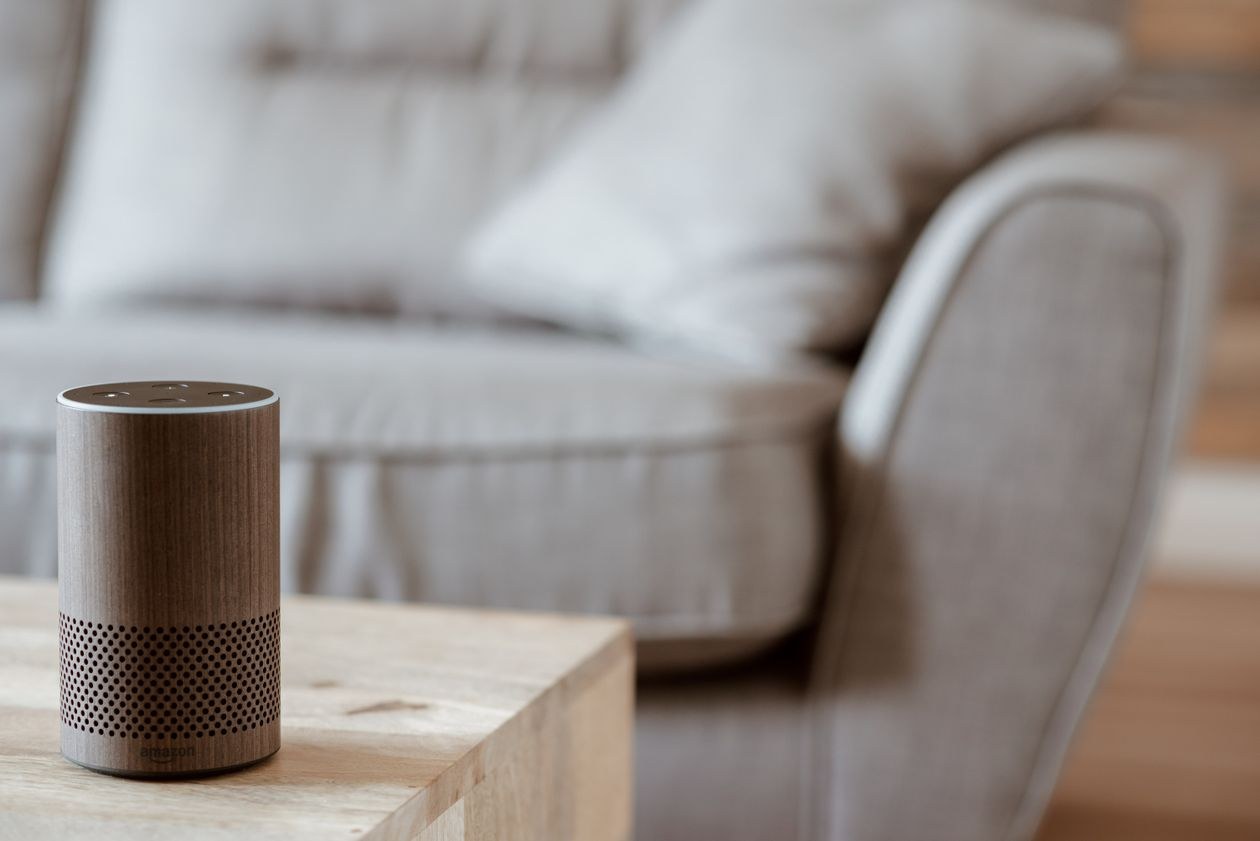
Quick answer: Start small. Get one smart speaker, two or three smart plugs, and smart bulbs for the two rooms you use most. Pick products that support Matter so brands can mix, set them up on your home Wi-Fi, and add one device at a time. That is a smart home that works.
Smart homes used to mean pricey installations, a drawer full of hubs, and lights that stopped working when the internet blinked. In 2026 the beginner experience is very different. Most starter gadgets cost less than a takeaway dinner for two, they set up from a phone app in minutes, and thanks to a shared standard called Matter, they no longer lock you into one brand.
This guide is a calm starting point for homes in the United States and the United Kingdom. We cover what to buy first and in what order, what the jargon really means, typical prices in dollars and pounds, and the security basics that matter once your light switches join the internet. You’ll find more buying guides in our Gadgets section.
Before you buy: three decisions that matter
1. Pick your voice assistant
Most beginners control their home through Amazon Alexa, Google Home or Apple Home. There’s no wrong choice, but there is an easy one: go with the system that matches the phone and services you already use. iPhone households often find Apple Home simplest. Android households tend to lean Google. Alexa has the widest range of cheap compatible devices in both the US and UK.
2. Buy Matter compatible devices
Matter is the cross brand standard built by the Connectivity Standards Alliance, so devices from different makers work together across Alexa, Google Home, Apple Home and SmartThings. As this beginner’s guide to the Matter standard explains, Matter devices set up with a QR code, can talk to each other locally in your home instead of relying fully on the cloud, and use encryption and digital certificates for security. In plain words, a Matter bulb you buy today should still work if you change your phone or assistant next year. Look for the Matter logo on the box.
3. Check your Wi-Fi first
Most smart plugs and bulbs use 2.4GHz Wi-Fi. If your router shows a single combined network name, setup is usually automatic. If the back rooms have a weak signal, fix that first. A mesh Wi-Fi upgrade helps every gadget you add later, and our Software guides can help you get more from the devices you already own.
What to buy first: a sensible starter kit
Smart plugs, the best first gadget
A smart plug turns any plain device with a physical switch into a smart one: lamps, fans, coffee makers, dehumidifiers. You can schedule them, control them by voice, and check from your phone whether you really left the iron on. Typical price: about $12 to $20 each in the US, or £10 to £18 in the UK. Multi packs bring the cost down.
Smart bulbs for your two busiest rooms
Start with the living room and bedroom. Voice controlled dimming sounds like a novelty until you’re carrying a sleeping child or a mug of tea. Colour bulbs are fun, but most people end up using warm to cool white far more. Typical price: $10 to $15 per bulb (about £8 to £13) for decent brands. One note for UK homes: check the fitting. Bayonet (B22) is common in Britain, while US homes mostly use screw (E26 or E27) fittings.
A smart speaker as the control centre
One speaker in the kitchen or living room gives everyone in the house a way to control things without hunting for a phone. Small speakers typically cost $50 to $100 (about £45 to £90). Smart displays cost more, but they double as photo frames, kitchen timers and video call screens.
Your starter kit at a glance
| Device | Why first | Typical US price | Typical UK price |
|---|---|---|---|
| Smart plugs (2 to 3) | Makes existing lamps and appliances smart | $12 to $20 each | £10 to £18 each |
| Smart bulbs (2 to 4) | Lighting is the win you use every day | $10 to $15 each | £8 to £13 each |
| Smart speaker | Voice control for the whole home | $50 to $100 | £45 to £90 |
| Video doorbell (later) | Useful, but needs more setup thought | $80 to $180 | £70 to £160 |
Total for a sensible start: roughly $100 to $180 in the US or £85 to £150 in the UK, and you can spread it over a few months.
Your first week: a simple setup order
- Day 1: Set up the smart speaker and connect it to your Wi-Fi and music service.
- Day 2: Add the smart plugs. Name them by what they control, “bedside lamp” and not “plug 3”, then test voice commands.
- Day 3: Add bulbs in one room, group them in the app as “Living room”, and set one schedule, like lights coming on gently before your alarm.
- Days 4 to 5: Create two routines: a “good morning” routine, and a “leaving home” routine that turns everything off.
- Days 6 to 7: Just live with it. Note what annoys you. Those annoyances, not adverts, should decide your next purchase.
What we have learned from our own setups
Every smart home we have set up has taught us the same lesson: naming is everything. The homes that feel smart are the ones where devices have plain names a guest could guess. “Kitchen lamp” works. “Device 7” never does. We also learned to add one gadget, use it for a few days, and only then add the next. When something misbehaves, you know exactly which new thing caused it. Rush the whole house in one weekend and you’ll spend the next one troubleshooting.
US and UK differences worth knowing
Plugs, voltage and fittings
Never use a US smart plug in the UK, or the other way round. Plug shapes, voltage (120V in the US, 230V in the UK) and safety rules all differ. Buy devices certified for your country, UL or ETL listed in the US and UKCA or CE marked in the UK, from sellers you trust.
Heating is different
Smart thermostats are a bigger win in the UK, where many homes run one boiler with radiators, and in US homes with central air conditioning. Compatibility with your boiler or HVAC system matters more than brand, so check the maker’s compatibility tool before you buy.
Privacy expectations
UK readers are covered by UK GDPR, and US readers by a patchwork of state laws, but the practical steps are the same everywhere. Use strong account passwords, turn on two factor authentication, and review what voice recordings your assistant keeps. Our Cybersecurity guides cover account security in more depth.
Beginner mistakes to avoid
- Buying a full house of gadgets on day one. You don’t know your routines yet, and returns windows are short.
- Mixing brands without Matter. Five apps for five devices is how smart homes get abandoned. This explainer on the Matter standard shows why the industry moved to fix exactly this problem.
- Ignoring the wall switch problem. Smart bulbs stop being smart when someone flips the switch off. Smart plugs, and later smart switches, avoid this trap.
- Adding indoor cameras too quickly. Start with a doorbell or an outdoor camera. Indoor cameras raise the biggest privacy questions and bring the least daily benefit for most beginners.
- Skipping the basics. Update firmware, change the default router password, and keep your home network secure. The same habits protect any connected device.
As your home gets smarter, you’ll notice AI creeping into how you control it. You ask an assistant to “set up movie night” instead of giving five separate commands. That shift to conversational control is part of the wider trend we cover in our AI and Tools section. And the same clarity that helps AI cite a website, see our guide on how websites get cited in Google AI Overviews, helps voice assistants understand your home too: clear names, clear groups, clear routines.
Frequently Asked Questions
Do I need a hub for a beginner smart home?
Usually not. Most beginners can run plugs, bulbs and a speaker through Alexa, Google Home or Apple Home over Wi-Fi. Many smart speakers and displays already act as Matter controllers and Thread border routers, which covers most devices a beginner will buy in 2026.
Will smart gadgets work if my internet goes down?
Partly. Matter devices are built to talk locally, so basic control at home, like switches and grouped lights, can keep working on your local network. Voice control and remote access from outside the home generally need a live internet connection.
How much will a smart home add to my electricity bill?
Very little. Individual plugs and bulbs use a watt or two on standby. Schedules and “everything off” routines often save more energy than the gadgets use, especially when they stop heaters, fans and entertainment systems sitting idle all day.
I rent in the US or UK. Can I still start?
Yes, and plugs and bulbs are perfect for renters because nothing is wired in and everything leaves with you. Avoid hard wired switches, thermostats and locks until you have your landlord’s permission, and check your lease for rules on doorbell cameras facing shared areas.
Final Takeaway
A beginner smart home is not a shopping spree. It’s a sequence. One speaker, a few plugs, bulbs in your busiest rooms, Matter on every box, and a week of living with it before you buy anything else. That approach works in a New York apartment or a Manchester semi, and it leaves you with a home that feels quietly helpful instead of expensively complicated.
Setting up a device and stuck on a step? Contact TechPure and tell us which gadget to cover next, or follow our Tech News for the launches worth your money.
